Debt Snowball Sheet: Your Free Payoff Worksheet
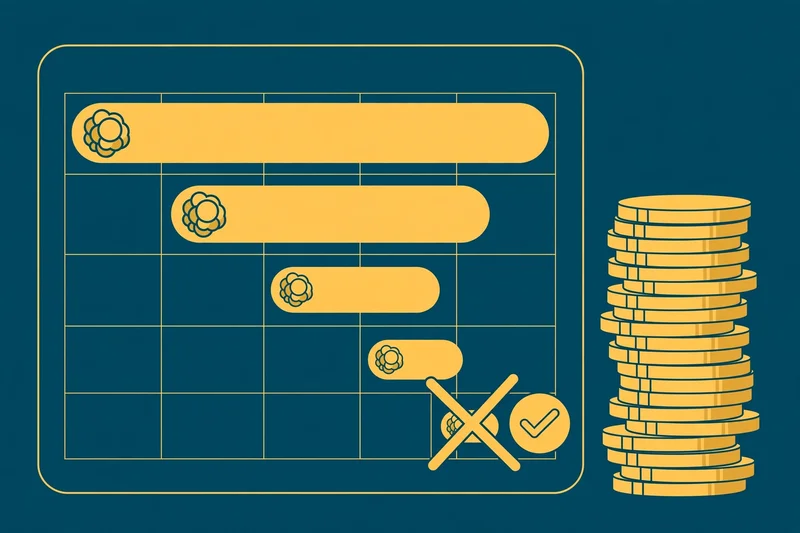
A debt snowball sheet turns a pile of balances into a one-page battle plan: attack the smallest debt first, then roll each freed payment into the next. Below is a copy-ready worksheet plus a $13,500 walkthrough that clears four debts in 31 months on a $200-a-month extra payment.
Key takeaways
- A debt snowball sheet ranks every debt smallest balance first and stacks one extra payment on debt #1.
- Worked example: $13,500 of debt cleared in 31 months on a $200-a-month extra payment — about $2,600 in total interest.
- The extra payment grows on its own: $200 → $230 → $280 → $375 as each freed minimum rolls downhill.
- Your budget never rises: $535 a month total ($335 of minimums + $200 extra) — only the target changes.
- Paste it into Excel or Google Sheets in minutes; the spreadsheet version adds automatic ranking and payoff estimates.
What a debt snowball sheet actually is
A debt snowball sheet is a one-page worksheet for the debt snowball method popularised by Dave Ramsey. List every non-mortgage debt, sorted smallest balance first — interest rates do not decide the order. The CFPB describes the same idea: clear the smallest debt first for a quick win, then roll the freed payment into the next one. Pay minimums on everything, throw every spare dollar at debt #1, and the payment grows each round on a flat budget.
How to fill in the sheet, column by column
One row per debt, numbers pulled straight from your statements. Debt names it; Balance is what you owe today and decides the order; APR is context only; Minimum payment goes to every debt monthly; Snowball order ranks balances smallest (#1) to largest; Extra payment is spare cash plus every minimum freed by cleared debts; Est. payoff month is the month each debt hits zero, counting from month 1.
A filled debt snowball sheet: $13,500 in four debts
Four debts, $13,500 total, minimums of $335 a month — plus a sustainable $200 extra, for a fixed $535 a month toward debt from month one.
| Debt | Balance | APR | Minimum payment | Snowball order | Extra payment | Est. payoff month |
|---|---|---|---|---|---|---|
| Store card | $800 | 24% | $30 | #1 | $200 | Month 4 |
| Medical bill | $1,500 | 0% | $50 | #2 | $230 | Month 9 |
| Credit card | $4,200 | 21% | $95 | #3 | $280 | Month 21 |
| Personal loan | $7,000 | 11% | $160 | #4 | $375 | Month 31 |
Months 1–4: the store card. The $800 card gets the $200 extra plus its $30 minimum — $230 a month — and clears in month 4 with a final payment of about $148. First win, under four months.
Months 5–9: the medical bill. The card’s $230 payment rolls downhill: $50 + $230 = $280 a month on a 0% balance, gone by month 9.
Months 10–21: the credit card. Now $95 + $280 = $375 a month hits the $4,200 card — it falls in month 21.
Months 22–31: the personal loan. Final round: $160 + $375 = $535 a month at the $7,000 loan — debt-free in month 31 with roughly $2,600 in total interest. Curious what minimums alone cost? Our credit card payoff guide runs that maths.
Turning the sheet into a debt snowball method spreadsheet
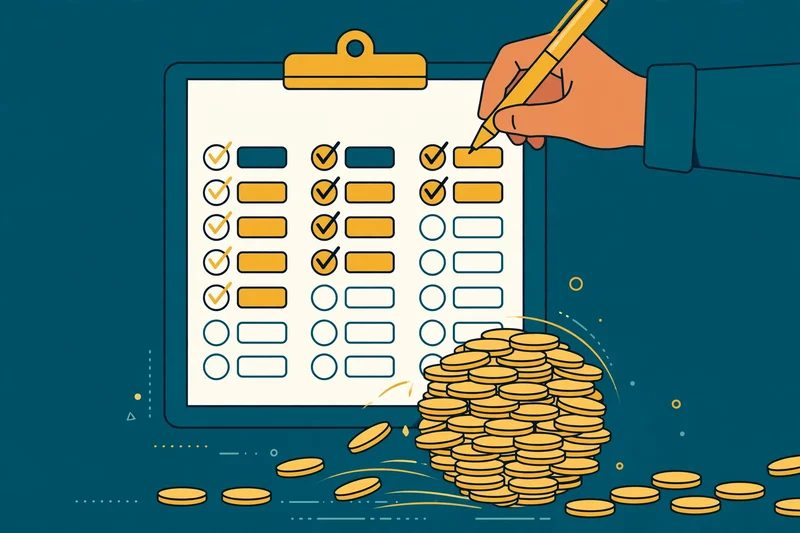
Paper works, but a debt snowball method spreadsheet updates itself. Copy the columns into Excel or Google Sheets: keep your base extra ($200 here) in its own cell; rank balances smallest-first with =RANK(B2,$B$2:$B$5,1); set each row’s extra payment to the base extra plus every freed minimum above it; and roll each balance forward with new balance = old balance × (1 + APR/12) − payment until it hits zero.
Then keep a monthly routine: update balances and mark cleared debts DONE — watching the extra payment jump from $200 to $375 is the method’s whole psychological point. Our personal finance apps roundup covers trackers that help you stick with it, and the loan calculator prices consolidation options.
When real life hits the sheet
No plan survives untouched, so build the sheet for reality. Irregular income? Set your base extra to what the worst month allows — the sheet still works, just slower, and good months become bonus attacks on the current target. Windfall? A tax refund or bonus goes straight at the debt you are currently attacking, then update the balances and watch every payoff month below it move closer. New debt mid-plan? Add a row and re-rank smallest-first; the sheet absorbs it without rebuilding. The only real failure mode is abandoning the sheet after a bad month — the maths forgives a pause, it does not forgive quitting. Print the sheet and pin it where you pay bills: visibility is half the method.
Snowball vs avalanche, in one paragraph
The snowball attacks the smallest balance first; the avalanche attacks the highest APR first. The avalanche costs less interest, but the snowball wins on psychology — early victories keep people paying. Need visible wins? Use the sheet above. Trust pure maths? Reorder by APR instead.
Try it yourself
Copy the worksheet above, plug in your own balances and minimums, and find your debt-free month.
Open the credit card payoff guideSources & further reading
The method is described by these; the worked payoff months are our own arithmetic on the balances, APRs and payments shown.
- Ramsey Solutions — How the Debt Snowball Method WorksThe popular step-by-step: smallest balance first, roll payments forward.
- Consumer Financial Protection Bureau — Resolve to Take Control of Your DebtThe CFPB’s plain-English comparison of the snowball and highest-rate methods.